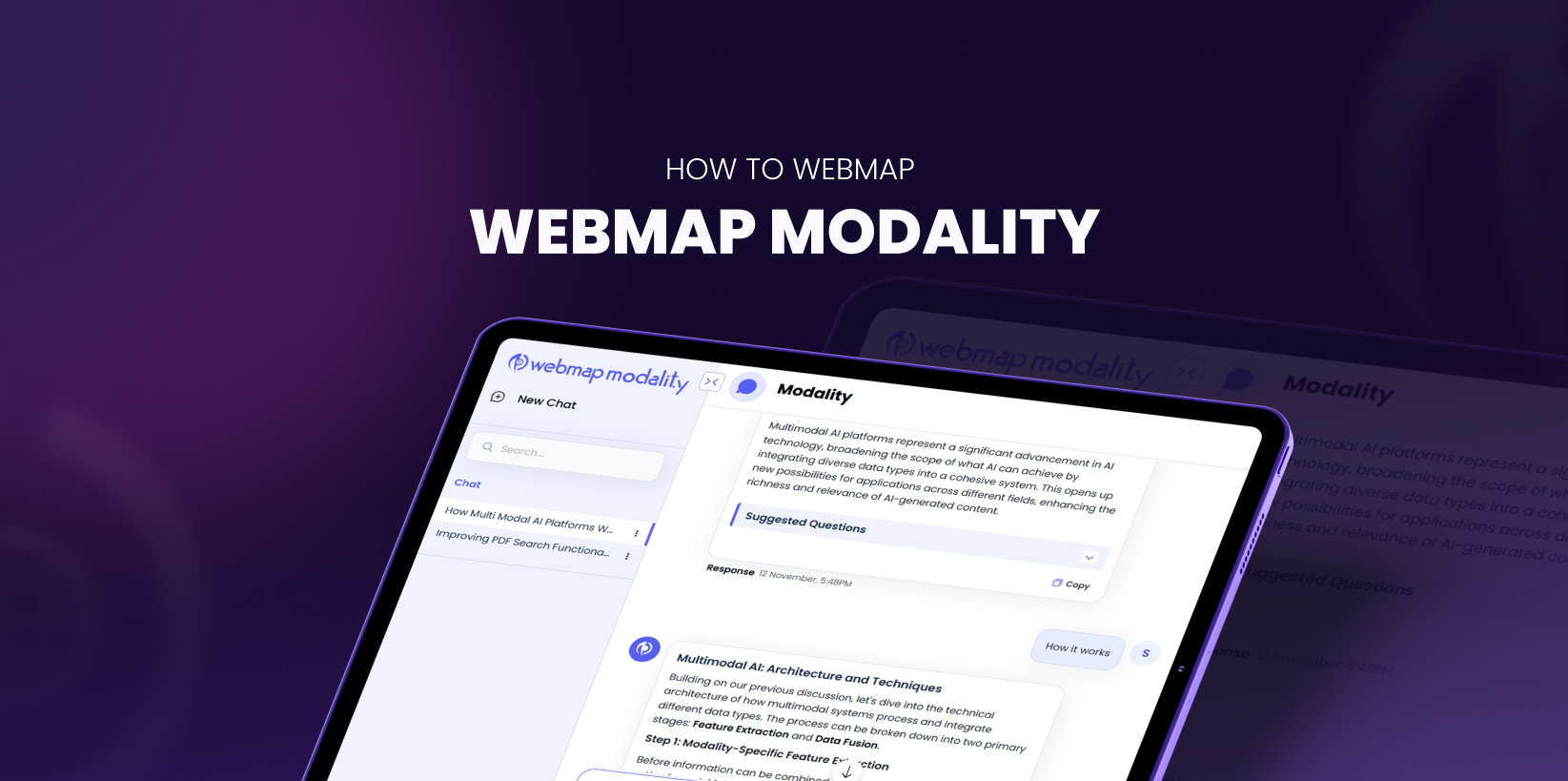


Webmap SearchIt Ask Anything. Get Answers with Proof.

Most research tools make you dig.
SearchIt turns that upside down.
Instead of clicking through pages, scanning documents, or trying ten different queries, SearchIt lets you simply ask. It reads from Webmap’s Knowledge Vault (KV) and brings back clean, contextual answers pulled directly from structured or live data — in real time.
No digging.
No second-guessing.
You ask.
SearchIt finds.
And, most importantly it shows you where every answer came from.
That’s the heart of SearchIt: instant clarity, total transparency.
What Makes SearchIt Different
SearchIt isn’t just another search bar.
It’s an intelligence layer built for people who need answers that are fast, accurate, and traceable.
When you ask a question, SearchIt doesn’t guess. It pulls directly from KV, interprets the meaning behind your query, and returns answers supported by the exact sources it used.
At the same time, the interface is designed for real work:
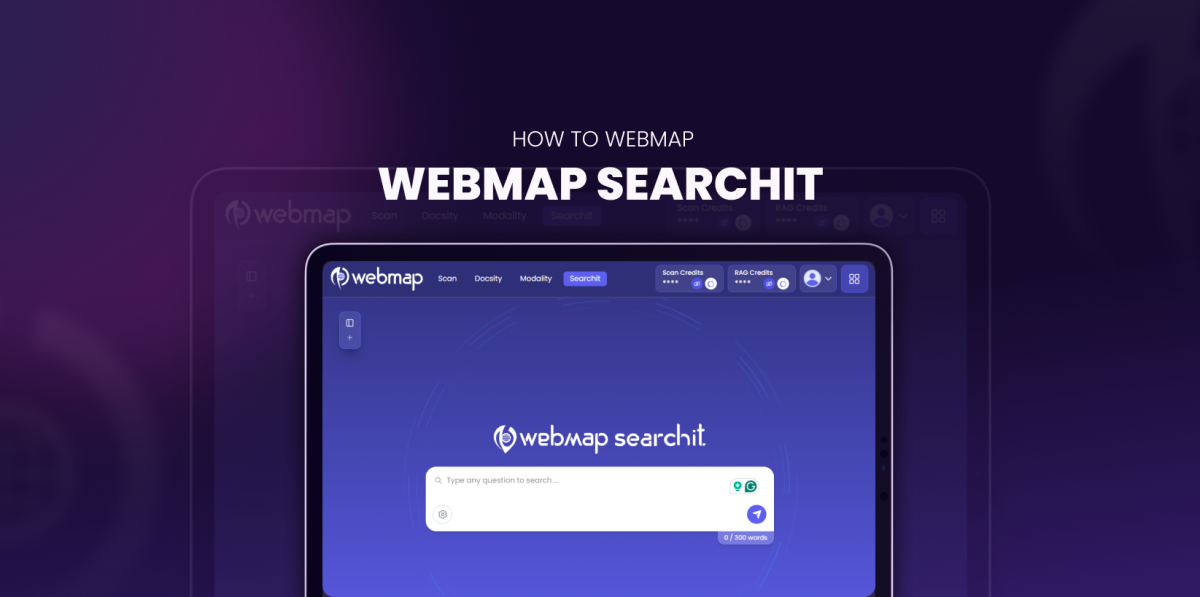
- Your chat history stays on the left your threads never disappear.
- The right panel opens with your answer clean, structured, and backed by real data.
- Every result includes source traces, so nothing feels like a black box.
- You can switch between ChatGPT, Claude, Gemini, Mistral, Grok, or DeepSeek whenever you want deeper reasoning or a different interpretation.
It feels less like searching the web and more like talking to an assistant who understands your question, fetches the data, and shows the evidence right there.
How to Use Webmap SearchIt Step-by-Step
1. Start With a Question Any Question
Enter your question in the SearchIt box.
It can be broad, specific, deep, unclear, technical, or exploratory.
SearchIt does the interpretation for you.
Research question?
Business decision?
Technical analysis?
Company lookup?
Document facts?
Just ask. No formatting needed.
SearchIt reads the intent and prepares the KV lookup automatically.
2. Let SearchIt Pull Contextual Answers From KV
Once you ask, SearchIt reaches directly into Webmap’s Knowledge Vault.
It retrieves structured or live data related to your query and turns it into a clean, understandable answer.
No browsing.
No filtering.
No rephrasing your question 10 different ways.
One question.
One answer.
Based on actual data.
3. Investigate the Sources Behind Every Answer
Every answer includes the sources used to create it.
You always know:
- where the information came from
- why it was selected
- how the answer was formed
No blind faith.
No hidden steps.
Just transparent, verifiable insight.
4. Personalize Your Search With Custom Prompts
Sometimes you want more than a direct answer.
SearchIt allows you to shape the thinking with your own prompts:
- “Check only recent data.”
- “Compare the options.”
- “Summarize in 3 points.”
- “Give me risks and opportunities.”
You guide the direction.
SearchIt shapes the response.
It’s searching but conversational.
5. Switch Models for Different Styles of Thinking
In the model switcher, you can switch between:
- ChatGPT
- Claude
- Gemini
- Mistral
- Grok
- DeepSeek
Each model brings its own strengths.
Some explain more clearly.
Some deeper reason.
Some respond faster.
And with SearchIt, switching models never breaks the flow your context travels with you.
Why SearchIt Matters
SearchIt is built for anyone who works with information:
analysts, researchers, founders, teams, students, and decision-makers.
It transforms slow, scattered research into fast, conversational discovery.
SearchIt makes your work:
- Faster no digging, no browsing, no manual searching.
- Clearer every answer comes with source traces.
- Smarter KV gives you context, not noise.
- Flexible many models, one seamless workspace.
Once you use SearchIt, going back to traditional search feels slow, fragmented, and outdated.